Building HedgeDoc with Supabase + R2 for $0
Home Server, Destroyed
This started when I destroyed my home Proxmox server.
As I wrote previously: https://mizuame.works/blog/2024-12-01/
HedgeDoc was running completely on-premises, but with the destruction, I got lazy and didn’t copy most data.
This will happen again in the future, so I honestly didn’t want to keep the DB on-premises.
Migrating Just the DB to Cloud
You just need to set CMD_DB_URL=postgresql://postgres in yml, so you can use any cloud-provided PostgreSQL. But the problem is no free tiers. AWS Aurora doesn’t work, RDS free tier is only 1 year then ~2000 yen/month. Cloudflare SQL is basically designed to be operated only through Workers.
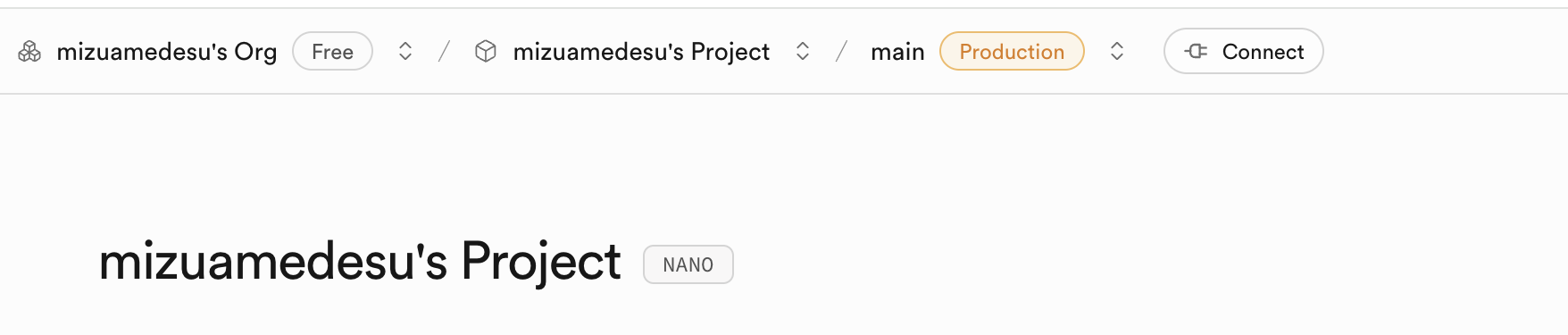
Found Supabase has a free tier with pure PostgreSQL, so used that.
Writing the yml
version: '3'
services:
  app:
    image: quay.io/hedgedoc/hedgedoc:1.9.9
    environment:
      - CMD_DB_URL=postgresql://postgres.id:[email protected]
      - CMD_DOMAIN=domain
      - CMD_PROTOCOL_USESSL=true
      - CMD_URL_ADDPORT=false
      - CMD_TRUST_PROXY=true
      # R2 Image Upload Settings
      - CMD_IMAGE_UPLOAD_TYPE=s3
      - CMD_S3_ENDPOINT=id.r2.cloudflarestorage.com
      - CMD_S3_REGION=auto
      - CMD_S3_ACCESS_KEY_ID=key
      - CMD_S3_SECRET_ACCESS_KEY=secret
      - CMD_S3_BUCKET=hedgedoc
      - CMD_S3_FORCE_PATH_STYLE=true
      # CSP Settings
      - CMD_CSP_ENABLE=true
      - CMD_CSP_REPORT_ONLY=false
    ports:
      - "3000:3000"
    restart: always
Set Supabase SQL like this. S3 settings are same as configuring S3. See previous article for other settings.
Startup
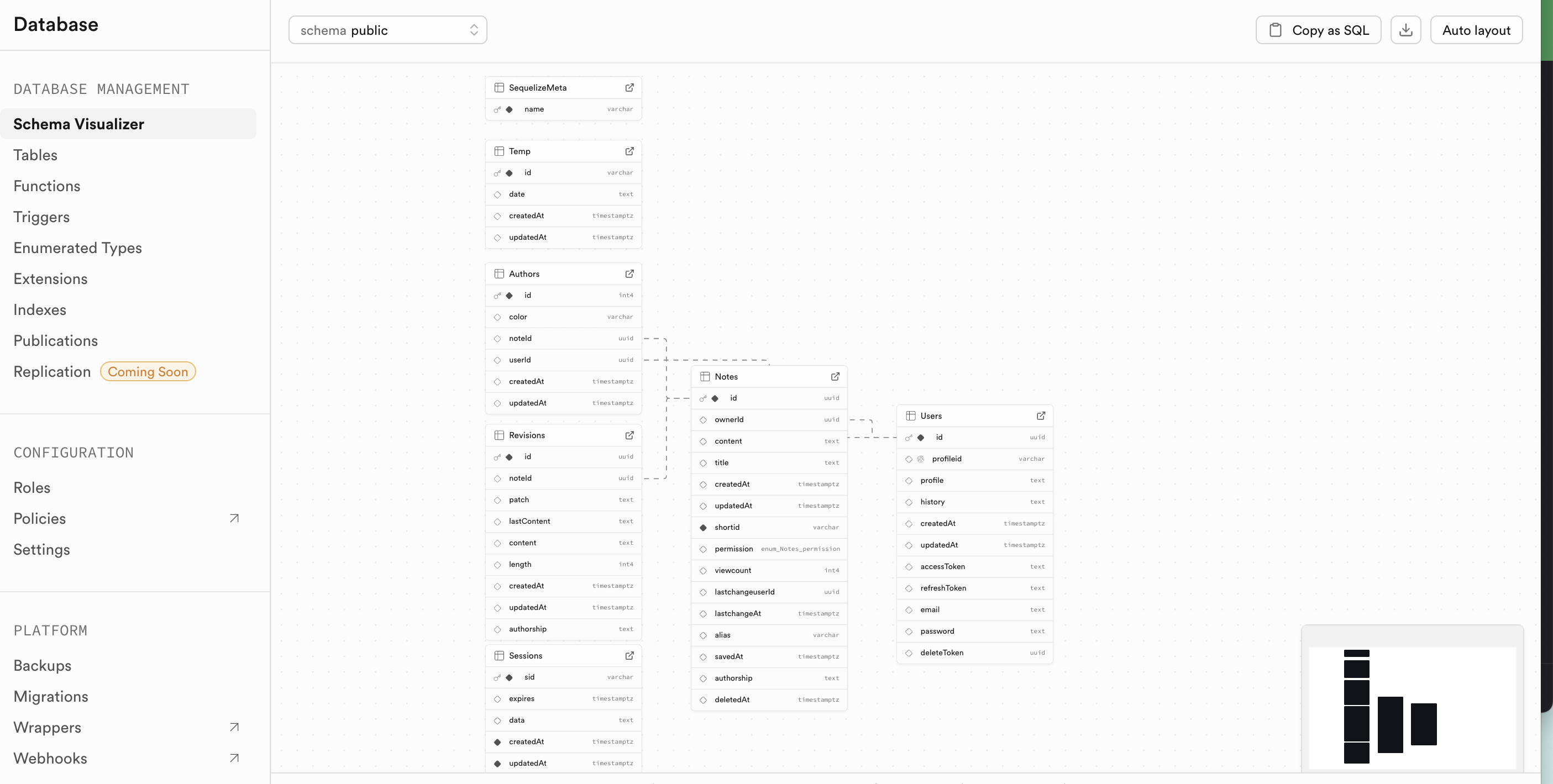
If configured correctly, tables are created automatically.
Images Won’t Preview
Unfortunately R2 can’t change the upload URL, so https://{accountid}.r2.cloudflarestorage.com/img links won’t preview. You need to manually assign domains and rewrite links after upload.
https://community.hedgedoc.org/t/using-r2-storage-cloudflare-with-the-s3-upload-options/975