
Running UE5 Dedicated Server in Docker with Reverse Proxy
This article is Day 10 of Unreal Engine (UE) Advent Calendar 2024.
Introduction
This article only minimally covers the actual server processing, Linux export, and building the engine from source. These are assumed prerequisites. However, UE5.4 and 5.5 have a network checksum mismatch error that prevents dedicated servers from working, so we’re using UE5.3.2. See this article for details. It can apparently be fixed with effort.
Environment
client: Windows 11 server: Ubuntu Server 24.04 LTS (on Proxmox VE)
UE5.3.2 Using ThirdPerson Template
BP Setup
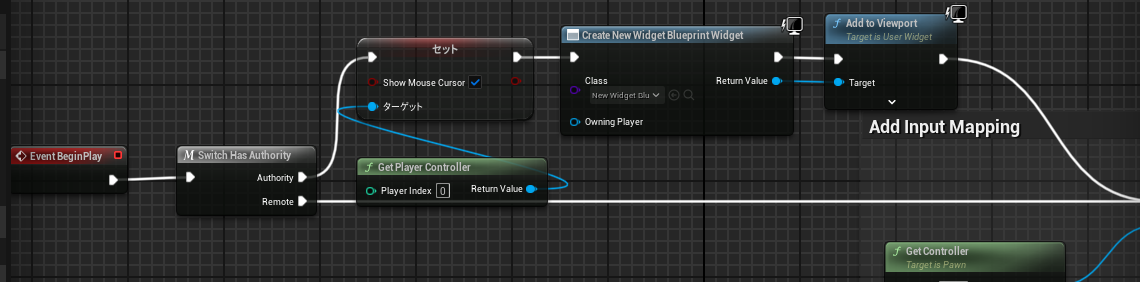
In BP_ThirdPersonCharacter, show UI only in local environment.
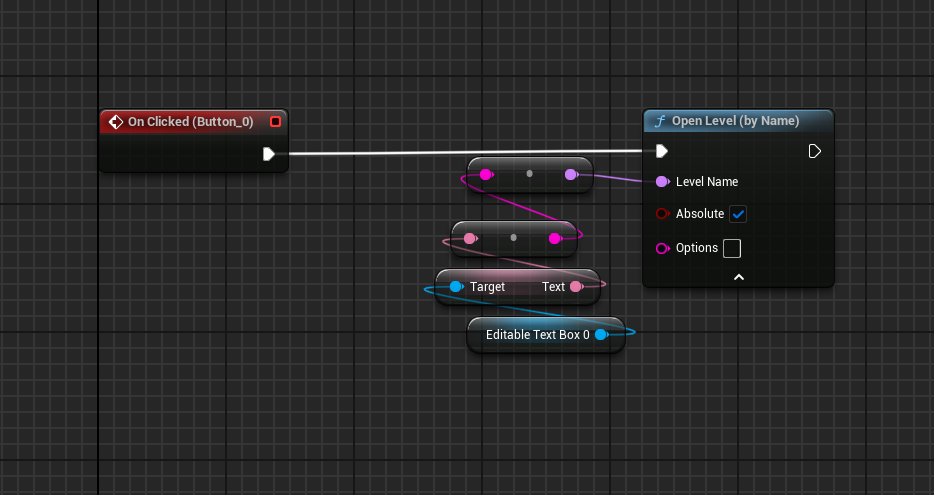
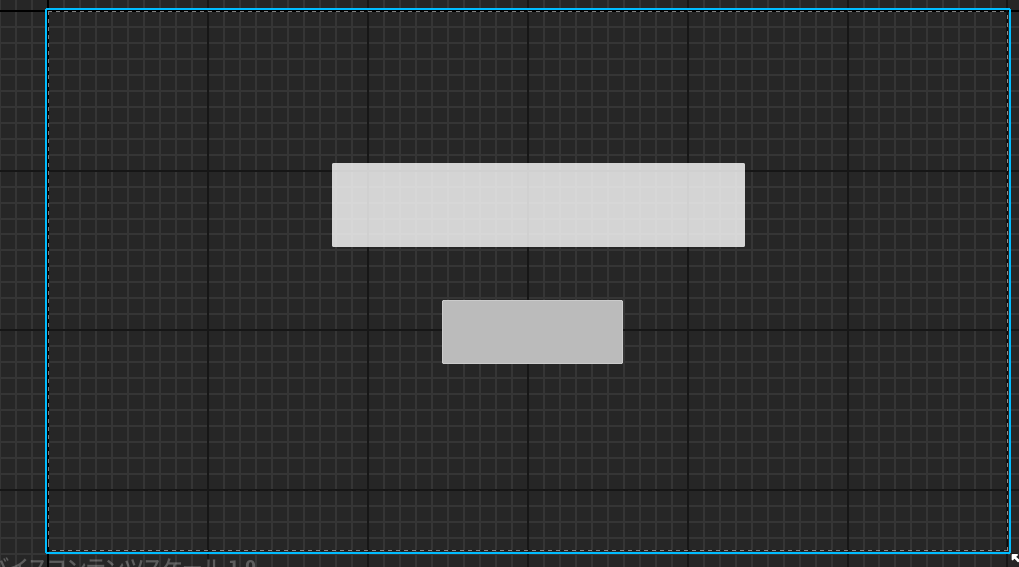
Create minimal UI.
Export
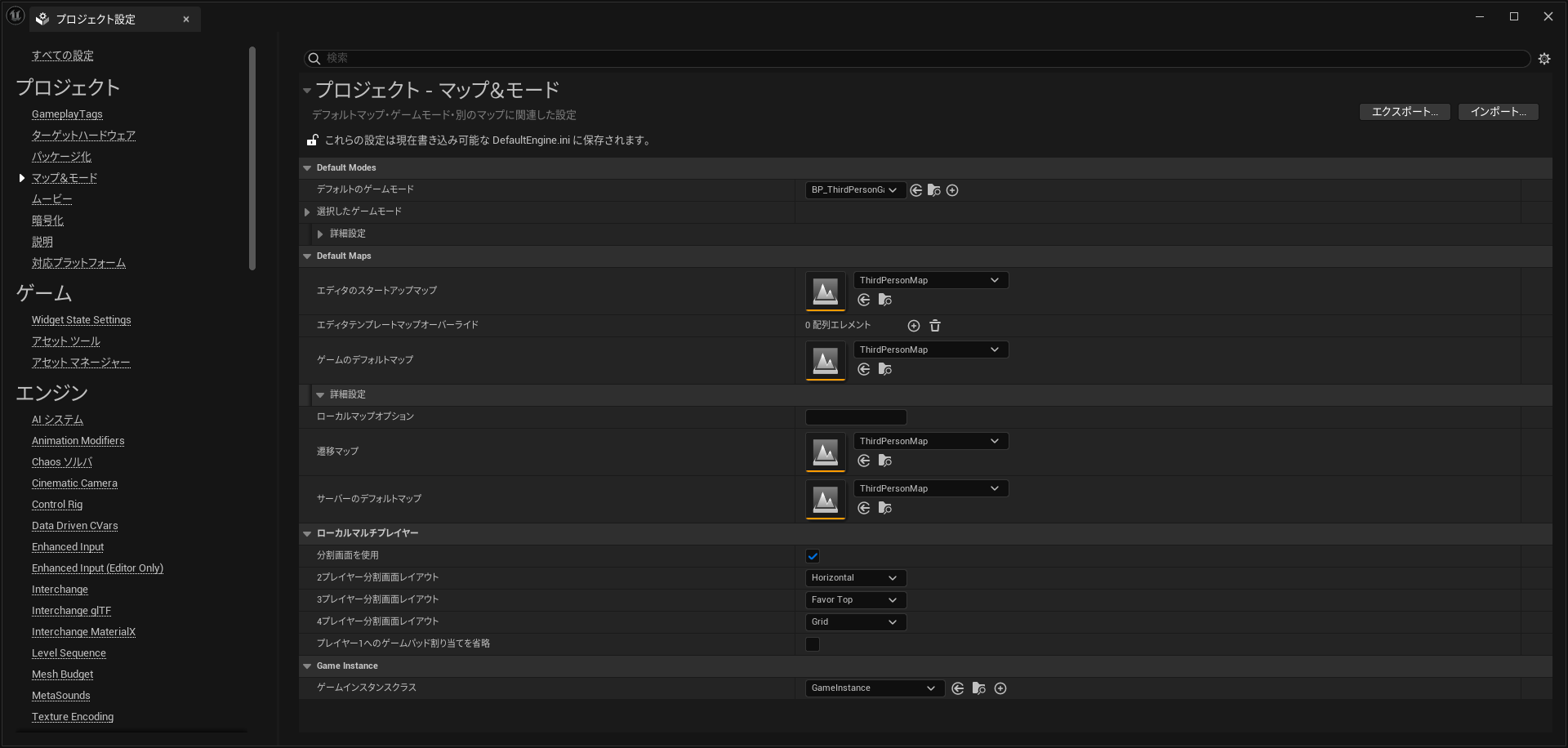
Select your level as the server default map. Then export for Linux server and Windows client.
Creating the Dockerfile
Install Docker Desktop first, then:
FROM ubuntu:22.04

RUN apt-get update && apt-get install -y \
    build-essential \
    git \
    python3 \
    python3-pip \
    curl \
    wget \
    libssl-dev \
    libffi-dev \
    libsqlite3-dev \
    zlib1g-dev \
    xdg-user-dirs \
    && rm -rf /var/lib/apt/lists/*

RUN useradd -m gameuser
WORKDIR /game

COPY Engine/ /game/Engine/
COPY QiitaDemo/ /game/QiitaDemo/
COPY QiitaDemo.sh /game/
RUN mkdir -p /game/QiitaDemo && \
    touch /game/QiitaDemo/QiitaDemo.uproject && \
    chown -R gameuser:gameuser /game && \
    chmod +x /game/QiitaDemo.sh

USER gameuser
EXPOSE 7777/udp
CMD ["./QiitaDemo.sh"]
(This worked after multiple error fixes based on internet info, no guarantee it’s correct.)
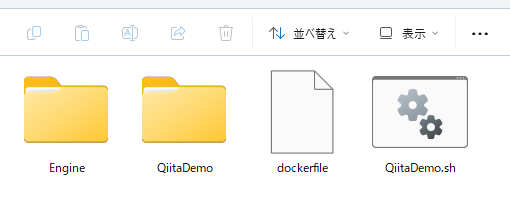
Run in the dockerfile directory:
docker build -t ue5-server .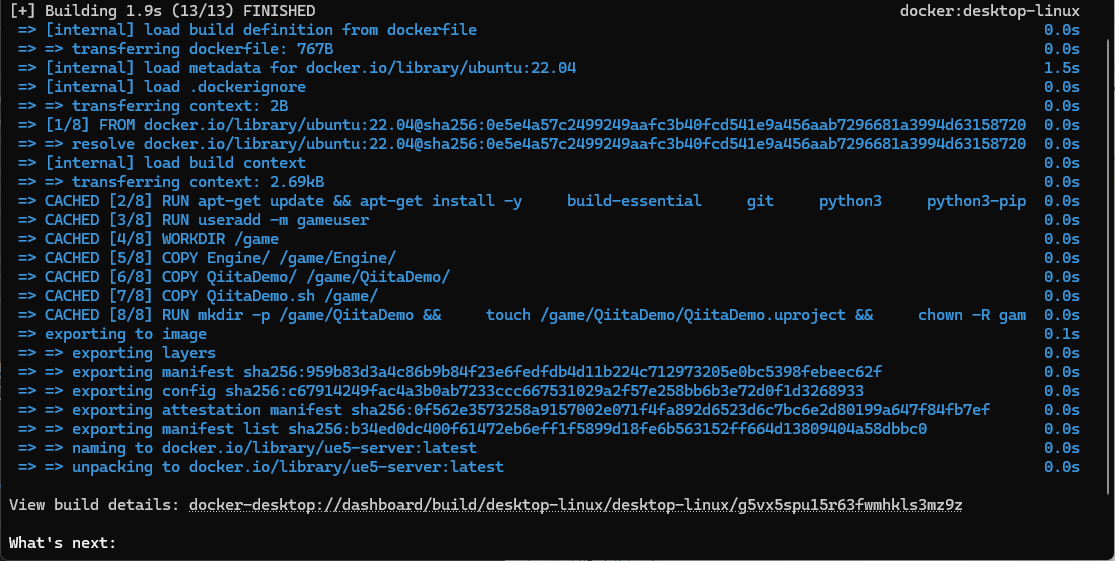
Takes about 10 minutes.
When done:
docker run -p 7777:7777/udp ue5-server
Connection
Confirmed local connection.
Deploying to Server
Export the image:
docker save ue5-server > ue5-server.tarSSH to your server (using Ubuntu 24.04). Transfer the image via scp or file server.
docker load < ue5-server.tarThen:
docker run -p 7777:7777/udp ue5-serverUDP Reverse Proxy
Game servers typically use UDP, but few services proxy this. Cloudflare Tunnel handles TCP but not UDP. You could use a VPS with WireGuard VPN and port forwarding. I found Localtonet which handles UDP. Free tier allows 1GB monthly transfer.
Localtonet Setup
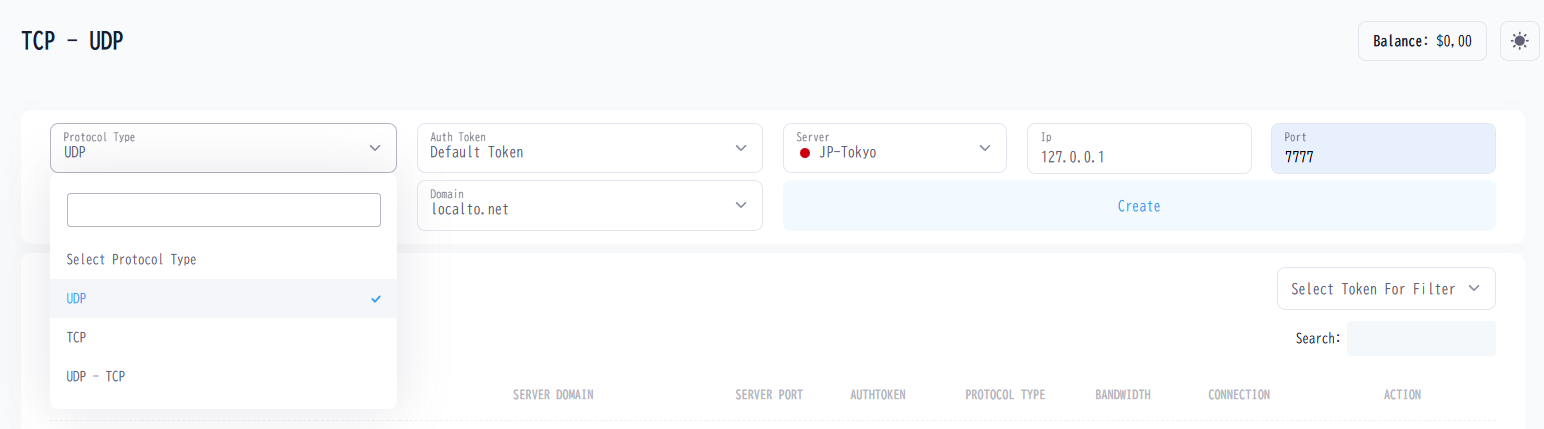
Select UDP, Tokyo server, port 7777.
wget https://localtonet.com/download/localtonet-linux-x64.zip
sudo apt install unzip
unzip localtonet-linux-x64.zip
chmod 777 localtonet
./localtonet
Enter your token from My Tokens on the web.
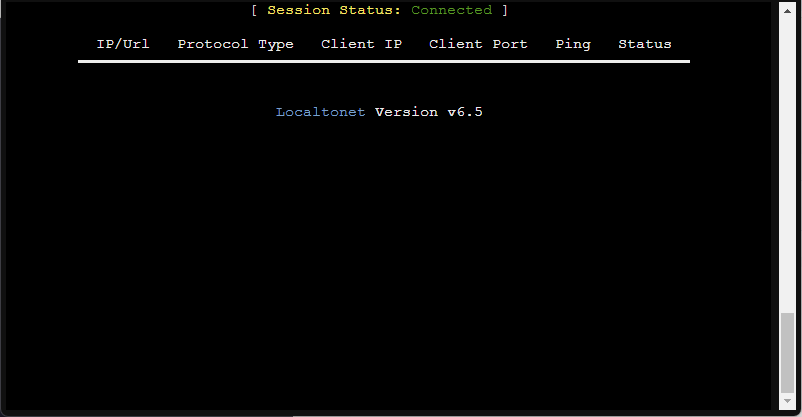
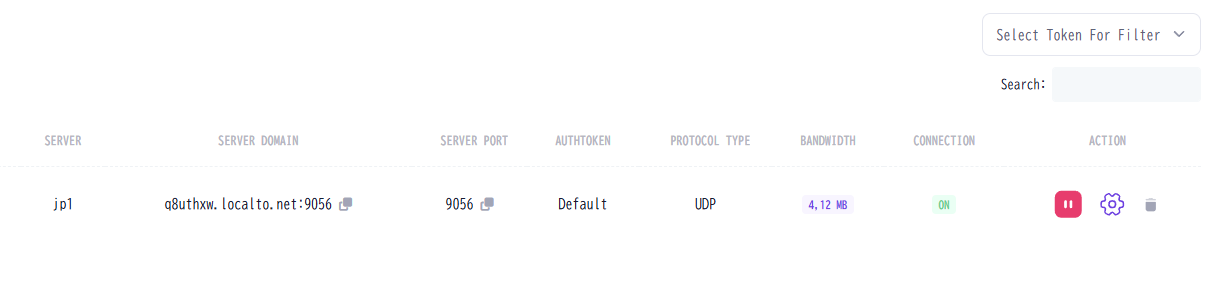
Copy the URL and port from the tunnel creation screen.
Connection Confirmed
Connection verified over the internet.
Downloads
Not sure if there’s demand, but here are the container image and client. Should work on Windows 10/11 + Docker Desktop.
Summary
We confirmed connecting to a dedicated server over the internet. In production, you’d likely run on k8s, but on-premises servers offer significant cost savings.