Integrating Buy Me a Coffee into the Blog
This article is Day 7 of coins Advent Calendar 2024.
What is Buy Me a Coffee?
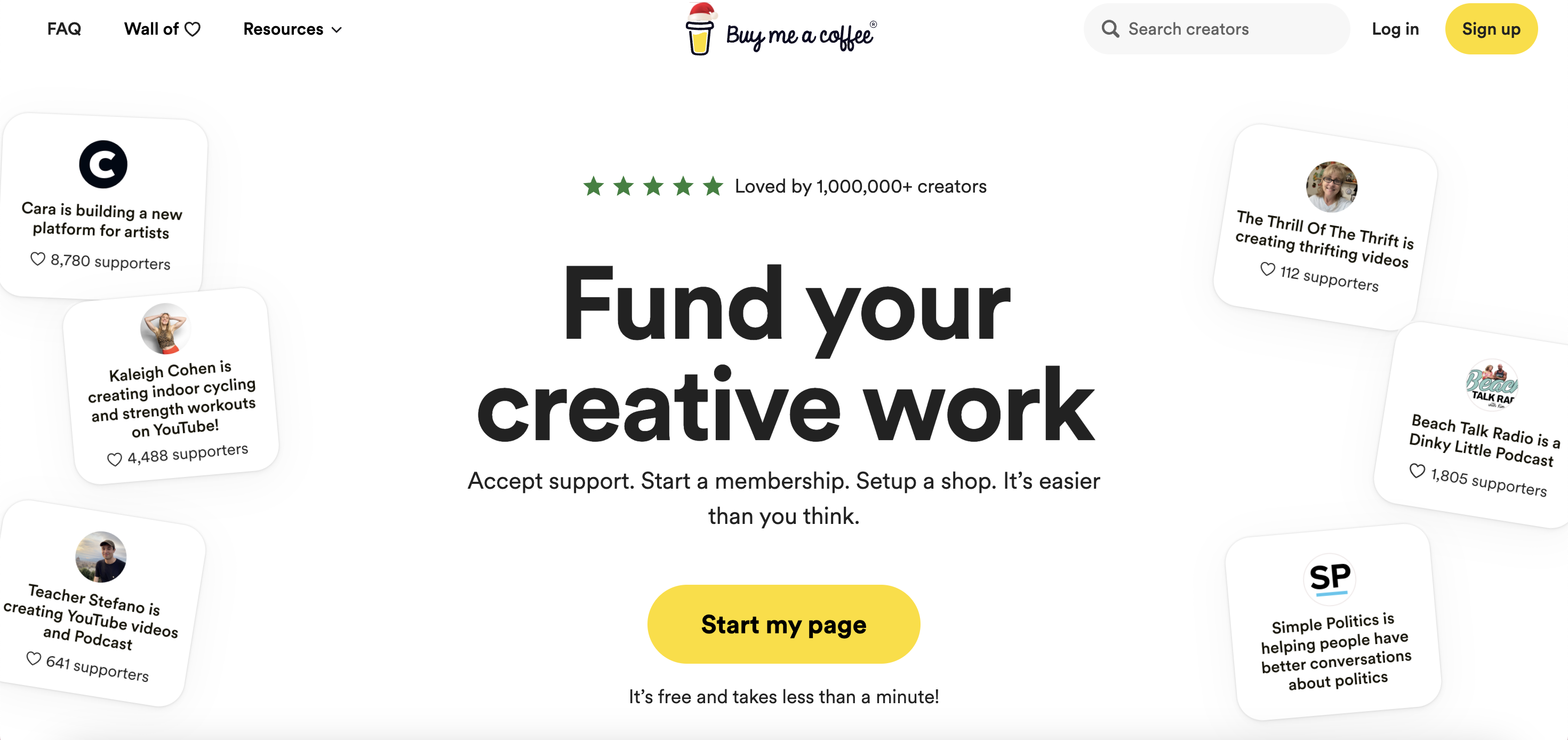
It’s a donation platform, like super chats. Payments go through Stripe, and you register your bank account with Stripe. The fee is 5%.
Setup
When creating an account, you’ll register a bank account via Stripe. Takes about 5 minutes.
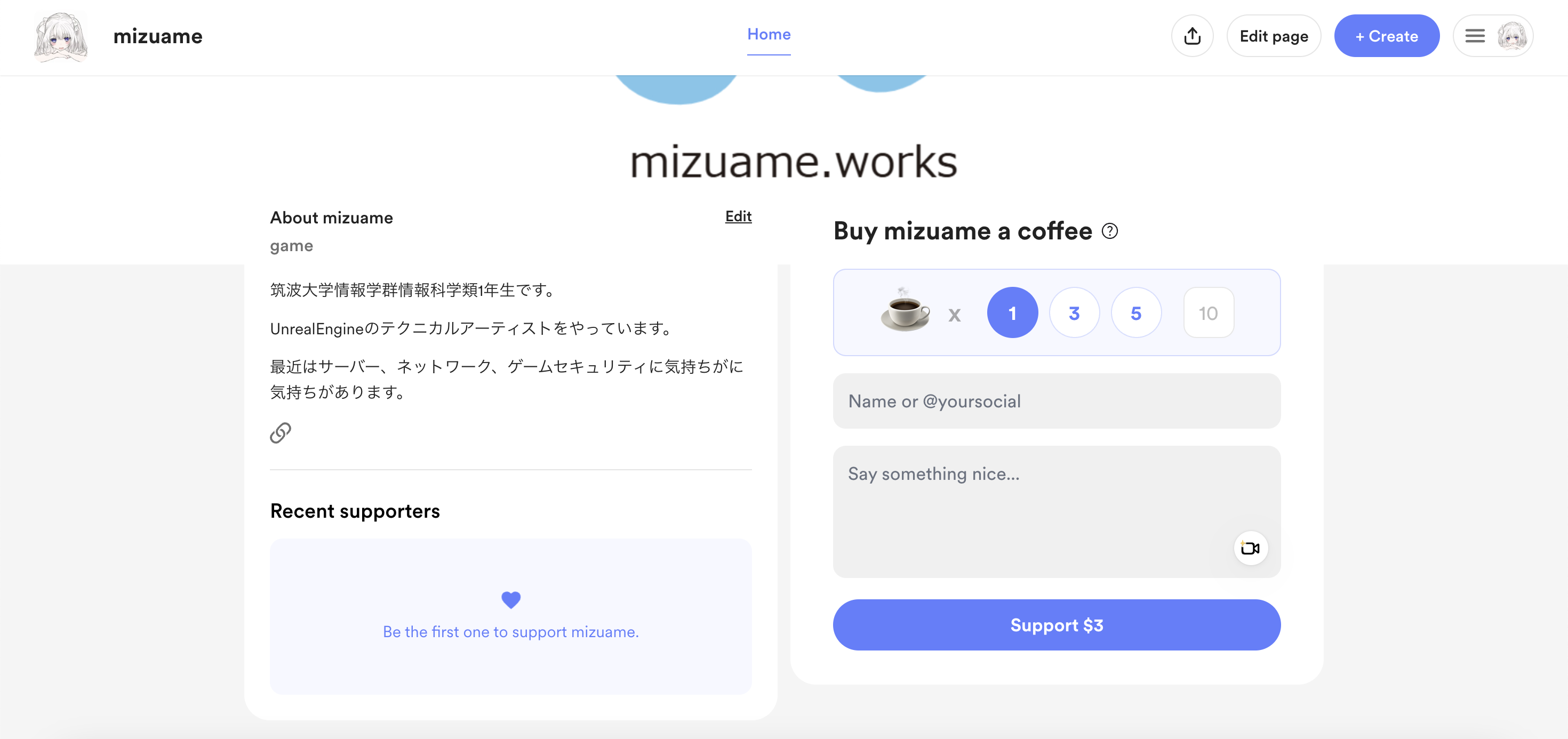
Then you configure your page. You can set arbitrary prices (from $1), or set a price per Coffee (from $1) and let supporters buy multiple.
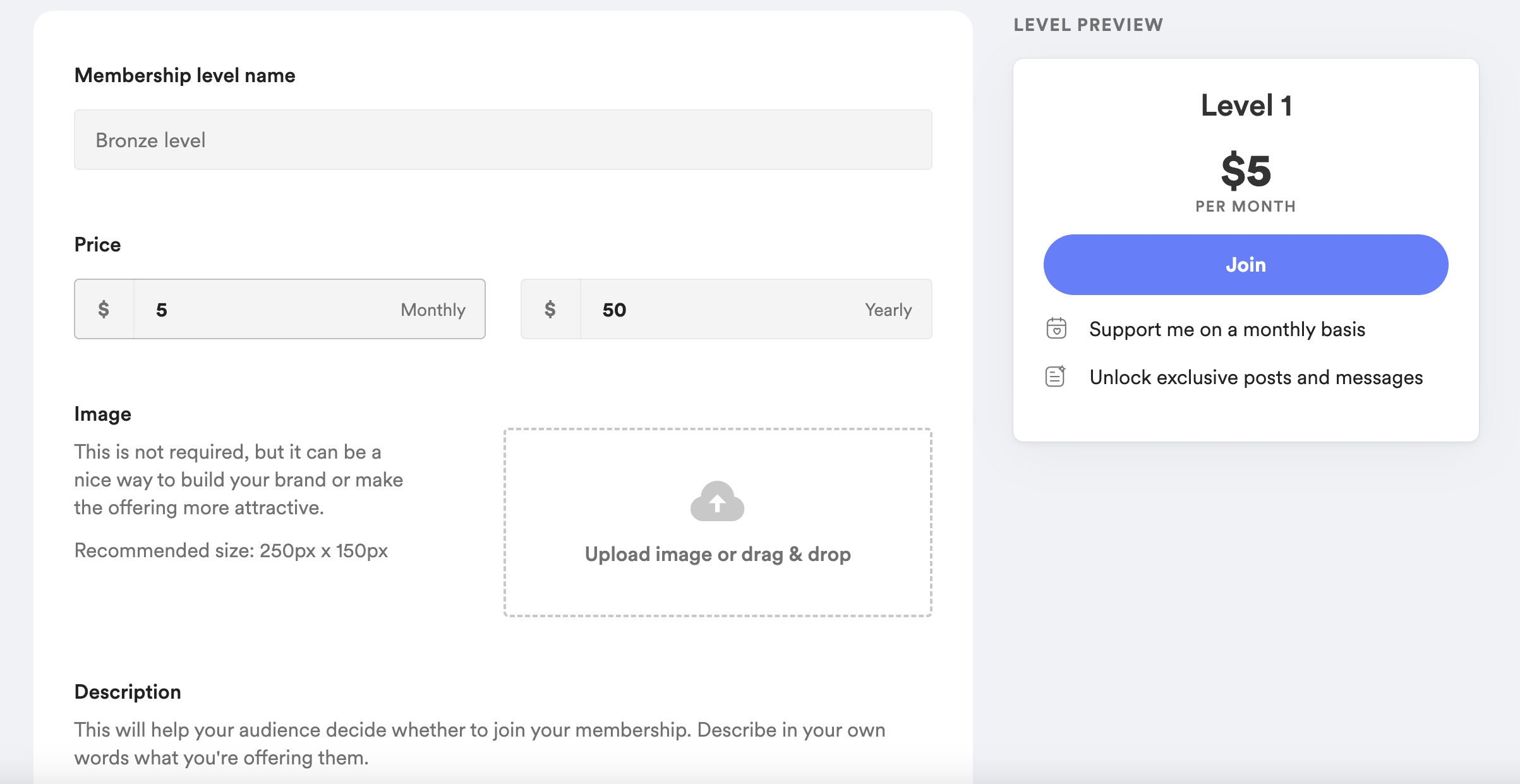
Memberships are also available.
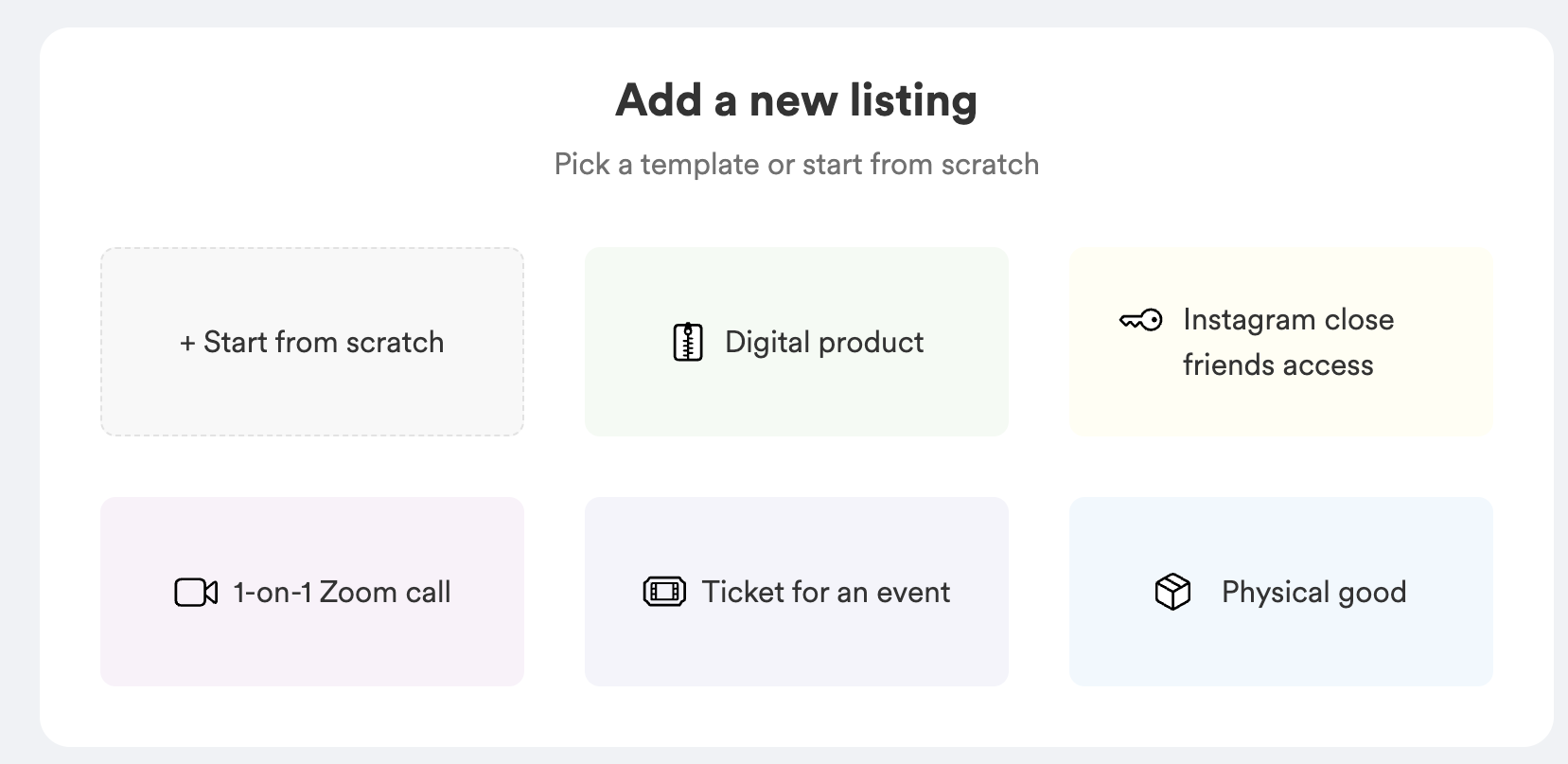
There’s also a Shop feature for selling Zoom call rights or digital data.
Why I Added It
Because I want money. But also, as I wrote in another blog, I used to have ads but they barely generated revenue while significantly hurting the blog’s visibility and usability, so I removed all ads. Moving the blog and app storage entirely to Cloudflare means no costs for now, but there will definitely be costs later (mainly R2). So I’m opening donations.
Embedding the Code
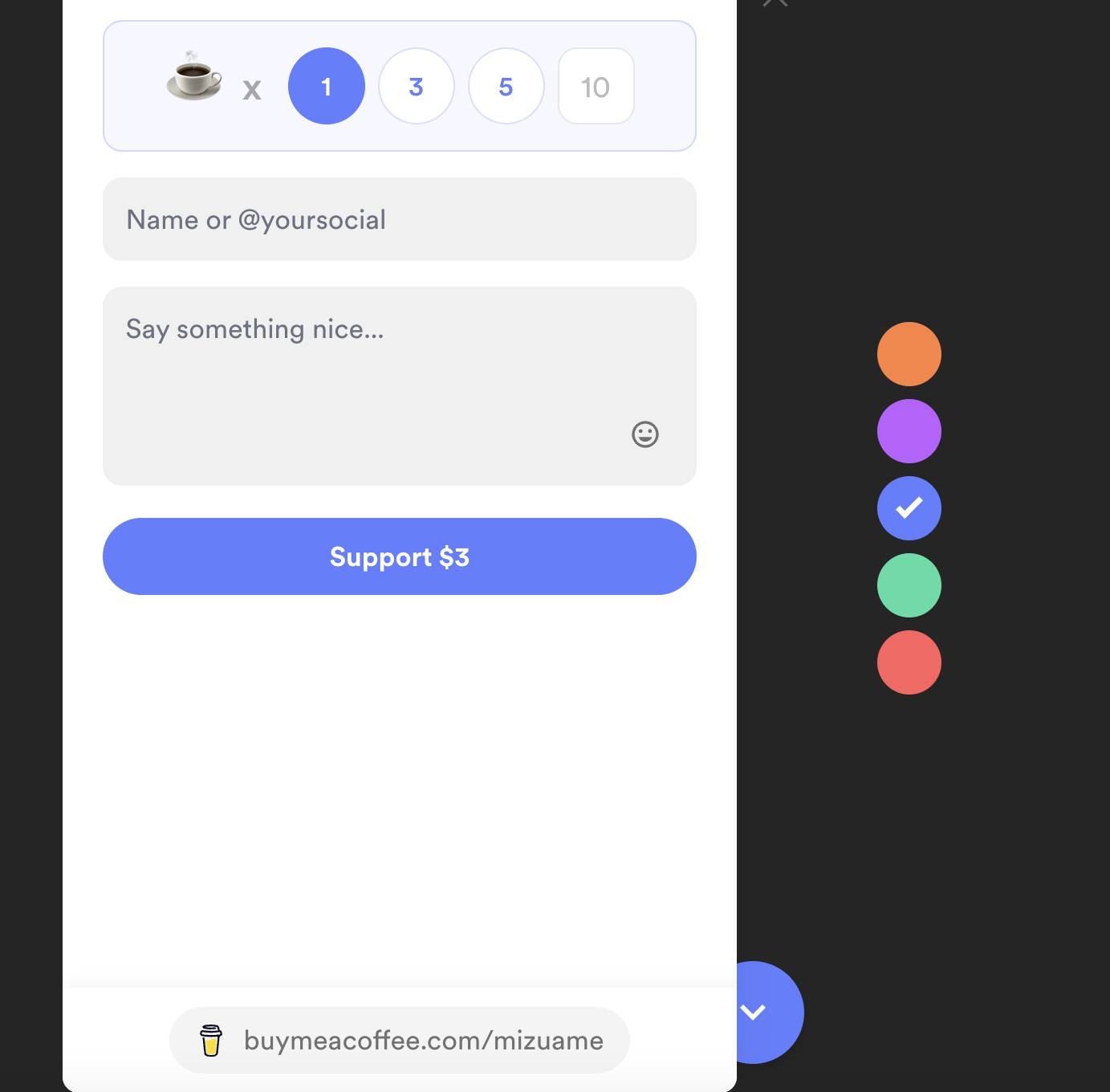
You can generate embed code for buttons and widgets, just paste it.
<script data-name="BMC-Widget" data-cfasync="false" src="https://cdnjs.buymeacoffee.com/1.0.0/widget.prod.min.js" data-id="mizuame" data-description="Support me on Buy me a coffee!" data-message="Please donate!" data-color="#5F7FFF" data-position="Right" data-x_margin="18" data-y_margin="18"></script>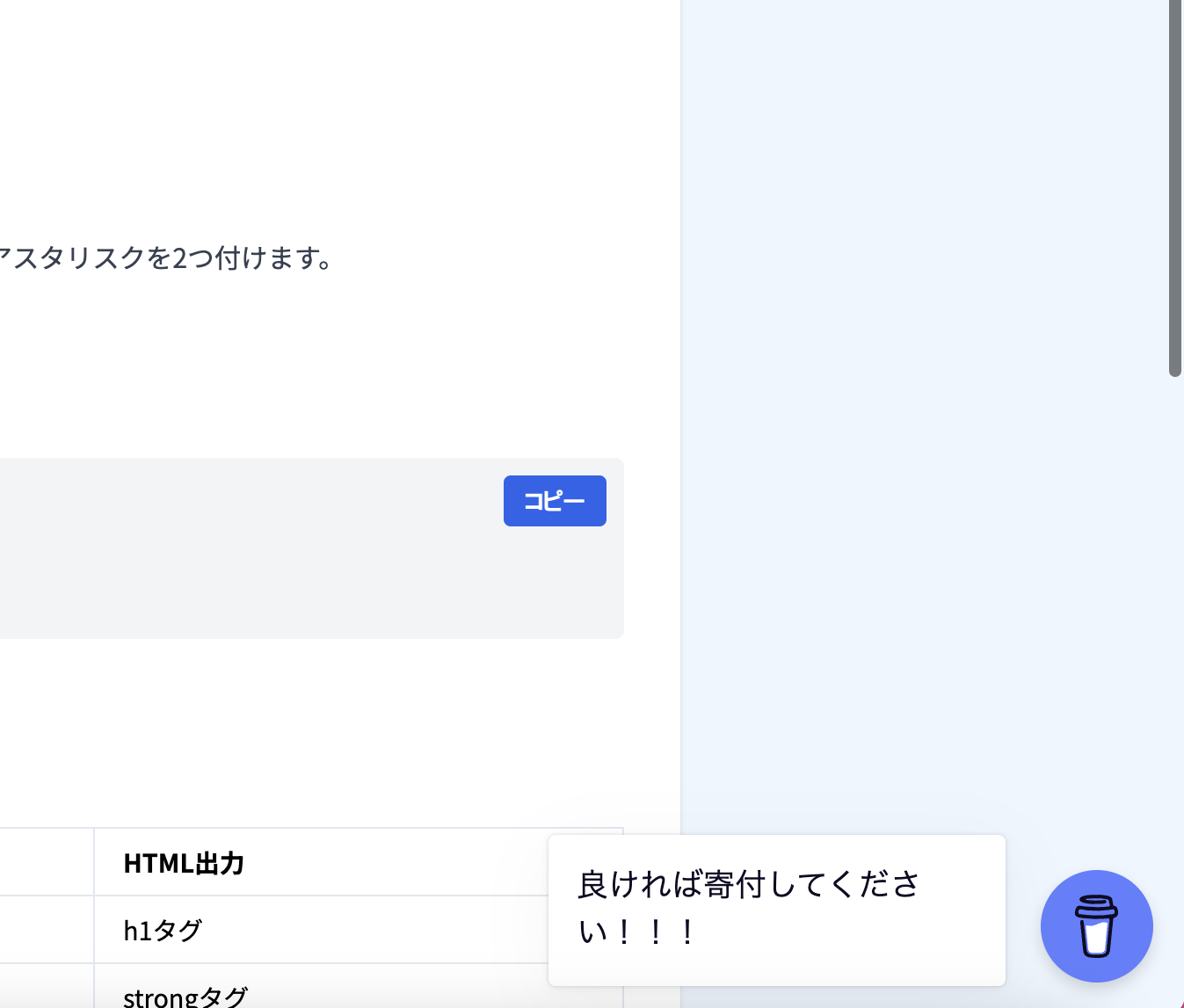
Installed. A button appears in the bottom right, with an initial popup.
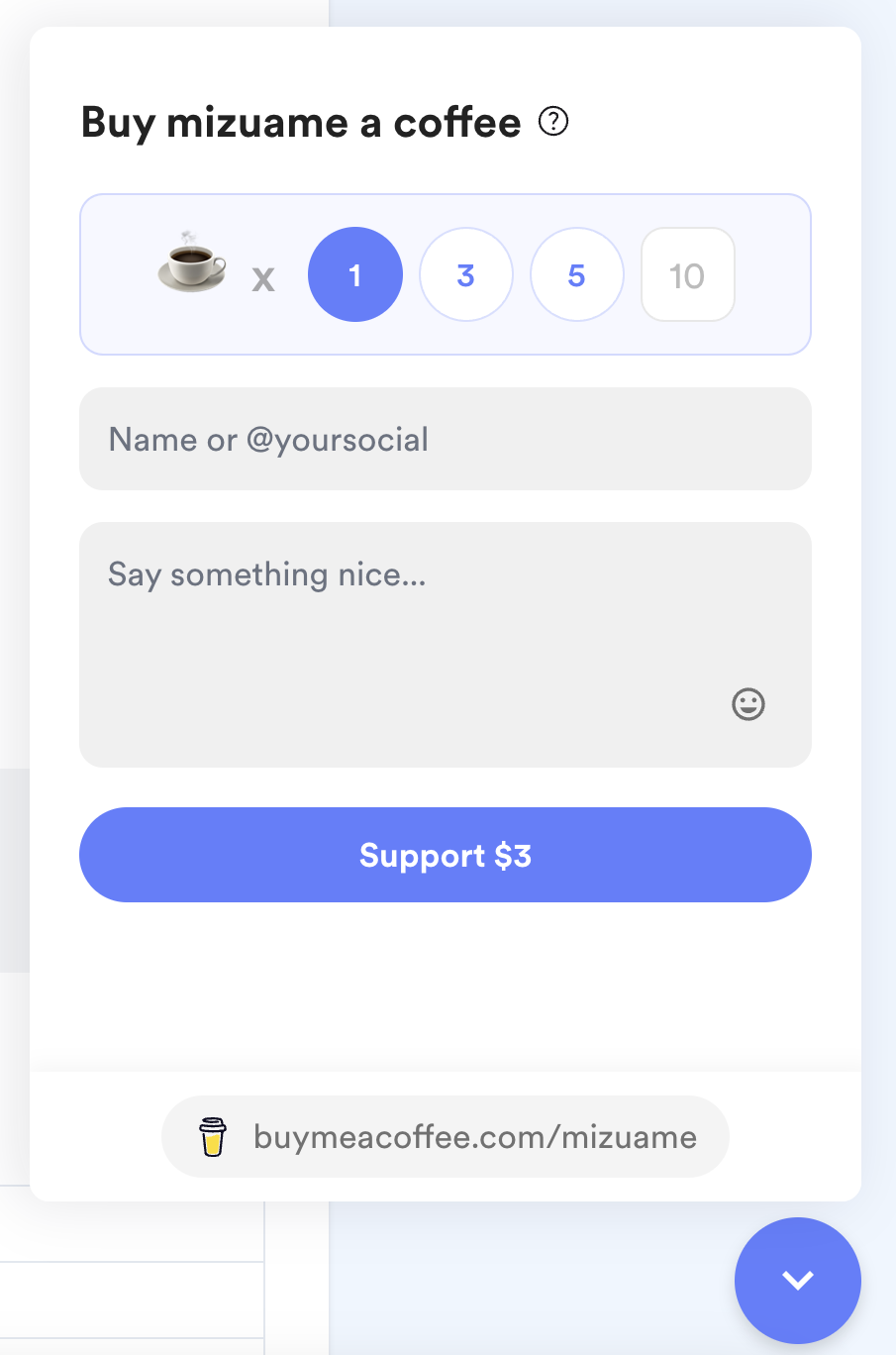
Clicking opens the purchase screen.
Future Plans
I’m thinking of starting a membership and listing members’ names at the bottom of the blog. If anyone registers, I might write an Unreal Engine article once a month.
That’s all.